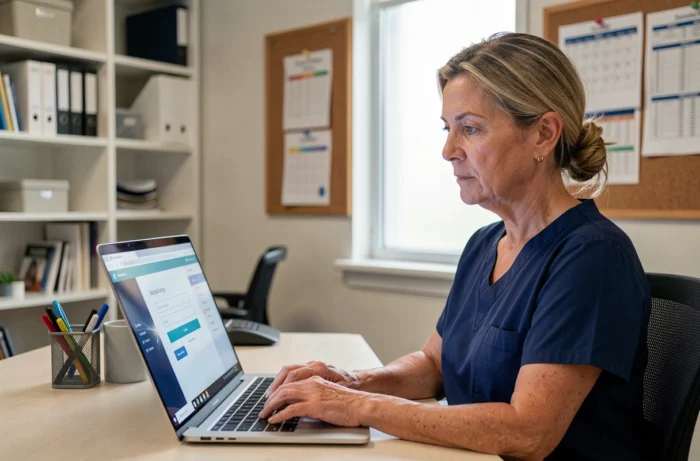
Netsoins is the resident file software used in the establishments of the DomusVi group. Care teams, health managers, and external stakeholders access it daily to track care, consult prescriptions, and update the shared medical file. The connection relies on a unique URL for each establishment, individual credentials, and increasingly often, enhanced authentication. Access blocks are frequent and rarely related to a simple forgotten password.
Technical environment of the workstation: the most underestimated cause of blockage on Netsoins
The majority of connection guides focus on credentials. Field feedback shows that the technical environment of the workstation generates more blocks than input errors. Several factors come into play even before reaching the login page.
The browser cache retains outdated session data. When a caregiver resumes a shared workstation without properly closing the previous session, the portal may display a blank page or loop on the authentication screen. Clearing the browser’s cache and cookies resolves this issue in most cases.
Outdated versions of Chrome, Firefox, or Edge pose another type of difficulty. Netsoins relies on recent security certificates. A browser that is no longer up to date may refuse the TLS connection without displaying an explicit message, simply returning an “insecure connection” error.
Institutional firewalls and proxies sometimes filter traffic to the Netsoins servers. This mainly concerns structures that share their network infrastructure with other services (pharmacy, laboratory). A guide to accessing Netsoins Domusvi details the network checks to be performed on the IT department side.
- Cache and cookies: always clear them after each change of workstation or shift, especially on shared computers in the care room.
- Browser version: check that the browser is up to date before reporting a problem to support. An automatic update disabled by the IT department is a common case in nursing homes.
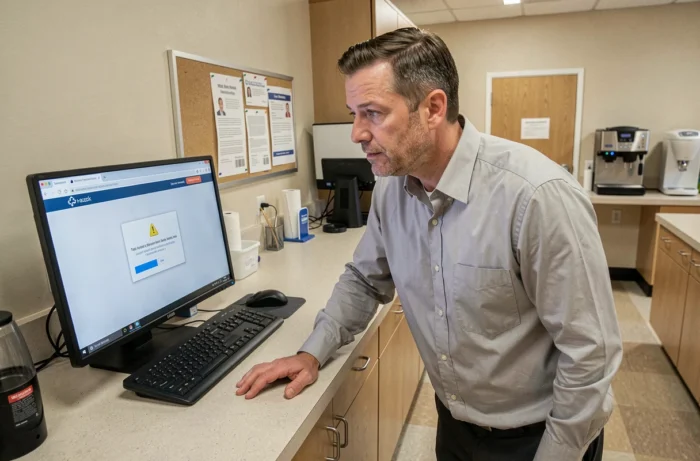
- Certificates and proxy: if the error mentions a certificate or an insecure connection, the problem is network-related, not credential-related. Forward the screenshot to the IT contact.
- Unclosed sessions: closing the browser is not always enough. Using the logout button on Netsoins prevents session conflicts for the next user.
Multi-factor authentication on Netsoins DomusVi: what it changes in daily operations
The widespread implementation of multi-factor authentication (MFA) in health software meets the requirements of the Ségur numérique. For teams in nursing homes, MFA adds a step to each login, which alters work habits, especially at night and during replacements.
The principle is simple: after entering the password, a temporary code is sent via a second channel (mobile app, SMS, or professional email). The caregiver has a few minutes to enter this code.
Concrete difficulties during night shifts
A substitute who has not configured MFA on their own device finds themselves blocked. Establishments must have documented backup procedures for these situations. Field feedback varies on this point: some structures use a dedicated terminal in the care station with a pre-validated MFA session, while others require individual configuration upon taking up the position.
The absence of an MFA backup procedure is the primary reason for calls to support during off-hours. Anticipating this scenario avoids interruptions in traceability that pose both regulatory and practical issues.
Netsoins connection URL: structure and common errors related to the address
Each DomusVi establishment has its own connection URL. This address is not the same from one residence to another. Typing “netsoins.domusvi.com” into a search engine does not lead directly to a functional portal: the exact URL is provided by the employer establishment.
A common error is using an old bookmark saved before an infrastructure change. Server migrations or platform updates sometimes alter the access path. The bookmark then points to a nonexistent page or an old server that no longer responds.
Check the URL before contacting support
Before reporting an access issue, it is helpful to ask a connected colleague to copy the address displayed in their navigation bar. Comparing this address with that of the saved bookmark often suffices to identify the discrepancy. Automatic redirections do not always work, especially when the browser has cached the old address.
Netsoins connection and DMP input: why traceability depends on configuration
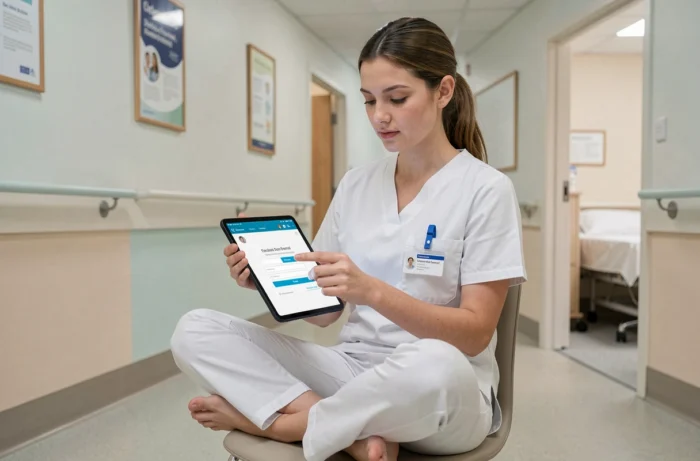
The proper functioning of the Netsoins connection goes beyond user comfort. Since the gradual integration of Mon Espace Santé, each connection contributes to a chain of regulatory traceability. A document entered in Netsoins can feed into the resident’s DMP, provided that several parameters are correctly configured in advance.
The qualification of the resident’s INS identity is a prerequisite. If this identity is not at the “qualified” status in Netsoins, no document will be sent to the DMP, and the system does not return an explicit error message. The caregiver may believe that the transmission has occurred when it has silently failed.
Authentication via Pro Santé Connect, which verifies the professional’s identity, constitutes a second barrier. A failure at this level blocks the feeding of the patient file without the caregiver being informed at the time of entry.
- Check the INS status of each resident in the Netsoins file before relying on the DMP input.
- Ensure that the professional’s Pro Santé Connect profile is active and associated with the correct establishment.
- Report to coordination any absence of confirmation of sending to the DMP after document entry.
These points go beyond the simple question of connection. They illustrate that the reliability of traceability depends as much on configuration as on access to the portal. The coordination teams and digital contacts at DomusVi benefit from regularly auditing these configurations without waiting for a report.