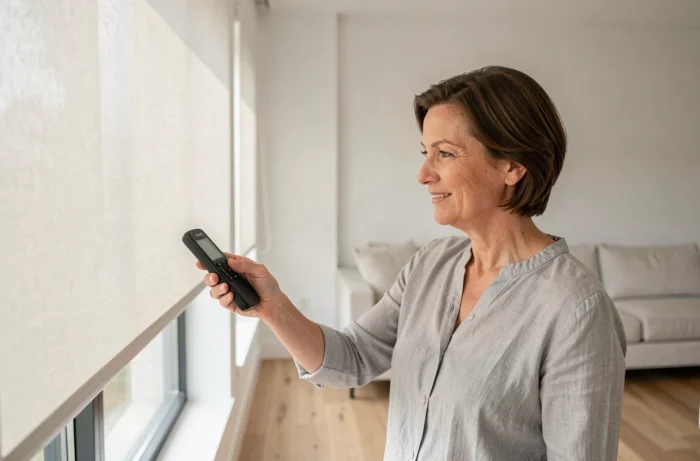
Your Somfy roller shutter is unresponsive, or you just changed the remote control and nothing happens when you press the buttons. Programming a Somfy RTS remote relies on a radio exchange between the control and the motor, following a precise sequence of a few seconds. Understanding this logic avoids most of the issues encountered during pairing.
RTS Protocol: A One-Way Communication That Changes Everything
Before touching the prog button on your remote, one point deserves attention. The Somfy RTS protocol operates on unidirectional radio communication: the remote sends a command to the motor, but the motor never sends back a confirmation.
Why is this crucial for programming? When you set the limit switches or memorize the “My” position, you receive no automatic feedback on your remote’s screen. The only validation signal is the brief back-and-forth movement of the roller shutter. If you miss this movement, you won’t know if the operation was successful.
This particularity also explains why, when following a Somfy RTS programming guide step by step, you need to pay attention to the shutter throughout the sequence, not to the remote. It is the motor that “talks,” not the control.
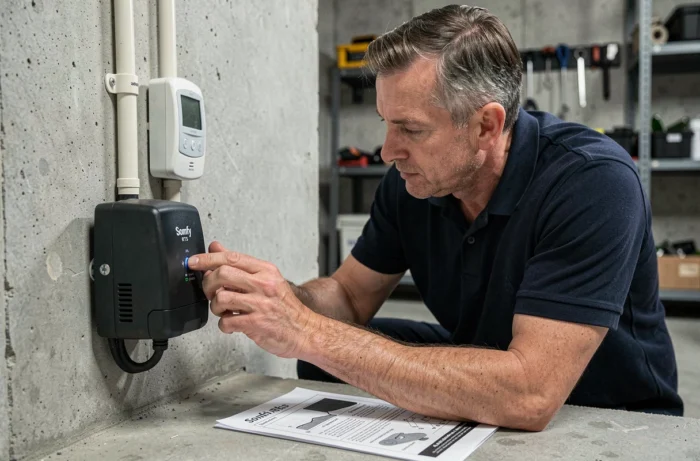
Prog Button on Somfy Remote: Where to Find It and When to Use It
You may have noticed a small hole on the back of your Somfy remote, or a discreet button under the cover? This is the prog button, the key to the entire pairing procedure.
Its location varies depending on the model. On a Smoove Origin RTS, it is located on the back, accessible with the tip of a paperclip. On a Telis 1 RTS, it is a physical button at the back. On a Telis 4 RTS (multi-channel remote), you must first select the correct channel before pressing prog.
The Typical Pairing Sequence
The principle remains the same regardless of the RTS remote model:
- You press the prog button on a remote already memorized in the motor (or use a double power cut if no remote is available). The shutter makes a brief back-and-forth movement.
- Within two minutes following this movement, you press the prog button on the new remote. The shutter makes a second back-and-forth movement to confirm.
- You immediately test the up and down functions with the new remote to verify that the pairing is effective.
Each press on prog opens a two-minute memorization window. After this time, the motor exits programming mode, and you must start over.
Common Error: A Remote That Controls All RTS Shutters
This is the most common trap, and it frequently appears on Somfy forums. You program a second Smoove remote, then a third, and suddenly each one controls all your roller shutters instead of just one.
The explanation is simple. If you use a Telis 4 RTS as the “master” remote and start the prog procedure without selecting the correct channel beforehand, the motor that responds is not the one you are targeting. All motors associated with the active channel enter programming mode at the same time.
How to Avoid This Overlap
Before each operation, check which channel is active on your Telis 4. Each channel corresponds to a shutter (or a group of shutters). Briefly press the up or down button to see which shutter reacts. If it’s the right one, start the prog sequence. If multiple shutters move, change the channel.
If the overlap has already occurred, the solution is to delete the excess remotes from the motor’s memory. Enter programming mode via the original remote (or by double power cut), then press and hold prog on the remote to be removed. The shutter will make a confirming back-and-forth movement: the remote is unpaired from this motor.
Double Power Cut: The Backup Method When No Remote Works
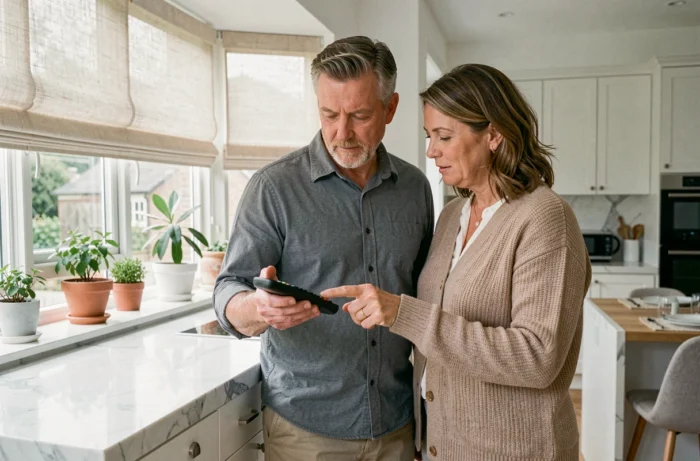
You no longer have a functional remote, or the old one is lost? The double power cut allows you to force the motor into programming mode without using the prog button on an existing control.
The principle: you cut the power at the circuit breaker, wait a few seconds, restore the power, cut it again, then restore it. The motor interprets this sequence as a request to enter programming mode. The shutter then performs its characteristic back-and-forth movement.
This method works on most RTS motors, but it carries a risk. If multiple motors are on the same electrical circuit, all motors on the circuit enter programming mode simultaneously. You risk pairing your new remote with unwanted shutters. Ideally, isolate the circuit of the concerned shutter before the operation.
Home Automation Integration and Limits of the TaHoma Gateway
If you plan to control your RTS shutters via a home automation box like the TaHoma Switch, one point rarely mentioned in standard guides deserves attention. The TaHoma Switch accepts a maximum of about 50 RTS devices simultaneously (compared to about 200 in io-homecontrol protocol).
For a house with a few roller shutters, this limit poses no problem. However, in an installation that includes blinds, lighting, and RTS-controlled sockets, the ceiling can be reached faster than expected. Beyond this capacity, the gateway refuses any new RTS pairing.
This ceiling is explained by the unidirectional nature of the protocol. The box must store each RTS device in local memory without being able to query it. Each memory “slot” is therefore permanently occupied, whether the device is active or not.
Programming a Somfy RTS remote involves a few well-placed presses and a bit of method. The real challenge is not the complexity of the sequence, but the rigor in choosing the channel and the timing of the back-and-forth movement. Always keep an identified “master” remote for each motor: it is the one that will allow you to add or remove controls without starting from scratch.